A good Mac deserves room to breathe.
Nothing runs in the background unless you turn it on. No opaque decisions. Just a readable workflow that puts you between a file and its removal.
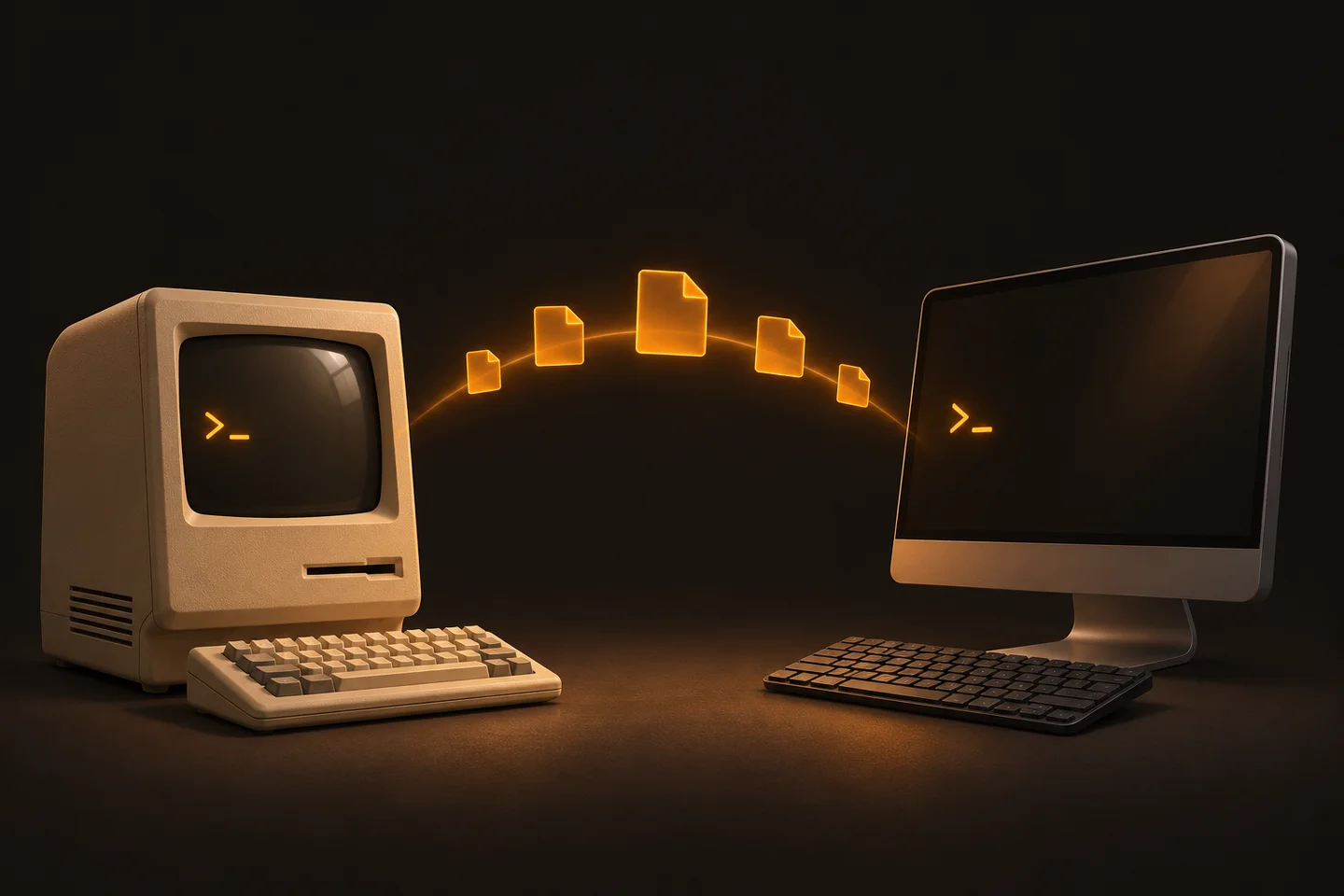
Feels like 1984?
Time for a fresh start.
The old computer is a feeling: years of caches, logs and build artifacts piling up. Give your current Mac a deliberate cleanup. Explore 1984, then come back to today.
THE BEGINNING OF A FEELING
THE FREEDOM TO DECIDE
A visual time machine. macOS Cleanup needs macOS 11 or later; it does not run on vintage Macs.
Know what goes.
Before it goes.
Three steps. A readable trail. You stay at the keyboard.
Look around.
Start with a scan. It measures every category and changes nothing, so you see the candidates before choosing your next move.
macos-cleanup scan↳A scan never touches your files.
Make a plan.
Preview what a cleanup would do for each item: move it to quarantine, run a native tool, or leave it alone. Write the plan to a file and read it.
macos-cleanup plan↳A reviewable file that stays valid for 24 hours, on this Mac.
Make your move.
Clean what you approve. In the default quarantine mode, items the tool moves itself can be restored. Native tool cleanups are permanent, and the interface says so.
macos-cleanup clean --safe↳The default answer to every question is no.
Room to reconsider.
Quarantine holds moved files locally. Restore a whole run, or only the items you choose, when you need to retrace your steps.
macos-cleanup restore latestOn APFS, quarantine moves free no space until you purge the held files, and purging is permanent. Native tool cleanups are permanent from the start.
See every step. Decide each one.
Browse native Terminal captures of all seven tabs and five additional scan, plan and Settings states. Choose a language and application theme. All data is synthetic sample data; this gallery runs no commands.
Captured from the public release with example data. No cleanup was run.
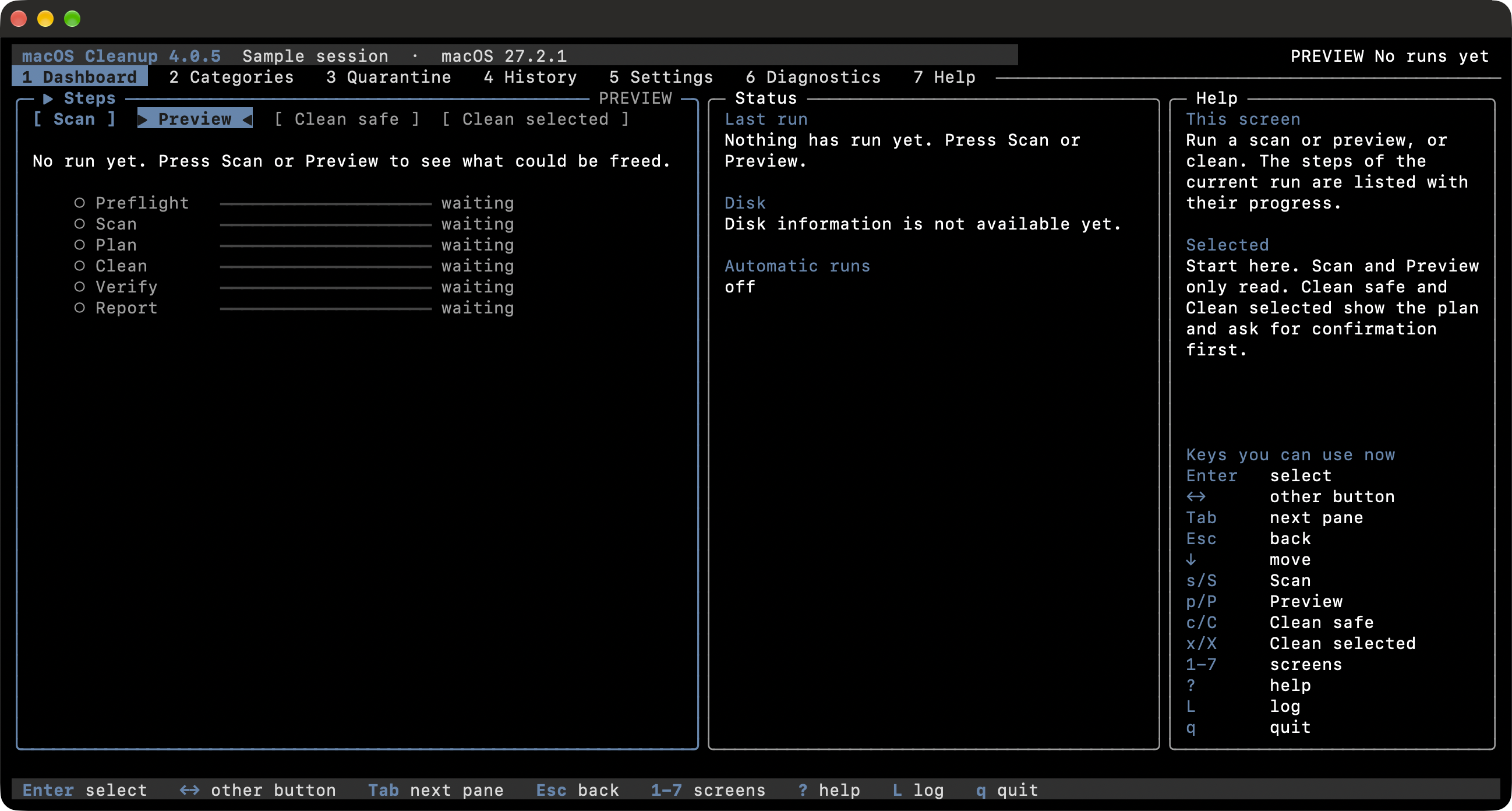 Open full-size screenshot
LOOK FIRST. CLEAN SECOND.
Make room. Stay in control.
These are the tiers of the 39 categories in version 4.0.5. Your scan and your settings decide what is offered on your Mac.
Caches their owner rebuilds
In the default quarantine mode, known app caches, Xcode DerivedData and build and package caches such as npx, Gradle, CocoaPods, Cargo, SwiftPM, Bundler and Composer are moved to quarantine and can be restored. npm, Yarn, pnpm and pip caches are pruned by their own tools and cannot. Out of the box only known app caches are in auto mode. Clean safe asks for confirmation; other regenerable categories start in review.
Costly or visible: you decide
The Trash, other user caches, old logs and crash reports, Device Support files, installers in Downloads and iOS backups can be restored. Simulators, Homebrew and gem cleanups, Docker and Time Machine snapshots use native tools and are permanent; simulator runtimes, Docker and snapshots run only when you pick them in an interactive run. None of this is part of an automatic run.
Outside the cleanup
System caches, Xcode archives, Maven, Android emulators, app leftovers, browser data and Mail are measured and explained, never removed. Mail, Keychains, password managers, browser profiles, Documents, Desktop, Photos, cloud folders, SSH and GPG keys, credential files, source folders and Git working trees are protected.
Quarantine frees no space on APFS until purged. Native tool cleanups and permanent mode cannot be undone; the interface says so before it acts.
Not all clutter is equal.
Rebuilt by its owner.
Out of the box only known app caches are in auto mode. Clean safe asks for confirmation; other regenerable categories start in review.
Worth a closer look.
Costly to rebuild or visible to you. Each one needs your consent in the session, and none runs in an automatic run.
Measured, never removed.
Explained for context. Clean them with their own tools. The protected list is never touched.
Made for the Mac you build on.
Official support: Apple Silicon, macOS 11 or later. Needs Bash 3.2 (included with macOS) and Python 3.9 or later for the terminal interface.
The same Mac.
A new beginning.
A clearer workspace starts with a plan you understand. Review the candidates, decide what goes, and keep control of every step.
For the Mac you work on.
Officially supported: Apple Silicon, macOS 11 or later.
Explore features
A fresh start.
One command away.
Install it, run macos-cleanup, and begin with a scan. Read the installer and documentation before running commands on your Mac.
Illustrated sequence; not reading your disk.
1 / Install
/bin/bash -c "$(curl -fsSL https://github.com/KasprowiczM/macOS_cleanup/releases/latest/download/install.sh)"2 / Check and open
macos-cleanup doctormacos-cleanup3 / Scan in plain text
macos-cleanup scan4 / Uninstall
macos-cleanup uninstallThe installer downloads the release and checks its checksum; releases are not cryptographically signed. The tool itself runs offline.
Less noise. More possibility.

Buy me a beer.
macOS Cleanup is free, open-source software maintained with care. If it has been useful to you, you can make a one-time contribution toward the time and work behind it.
Preview with example data. No commands are executed.
Support- SCAN: macos-cleanup scan
- PLAN: macos-cleanup plan
- CLEAN: macos-cleanup clean --safe
- OK